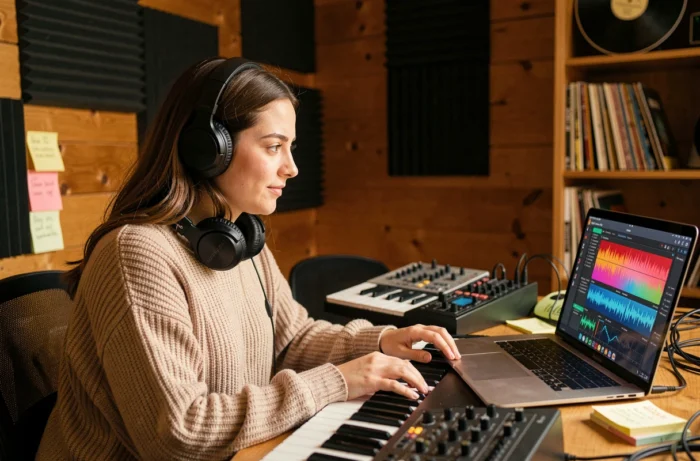
We’ve all had that moment: a melody in our head, lyrics scribbled on a corner of a phone, but no voice to carry the piece. AI singing tools are game-changers for those who want to produce a song without going through a studio or years of vocal training. The principle is simple: you provide a text, choose a style, and the AI generates a sung voice over the music.
Vocal Cloning and Rights: What the European Regulation Changes in 2026
Before diving into creation, there is a regulatory constraint to be aware of. Since August 2, 2026, Article 50 of the EU AI Act mandates mandatory labeling of AI-generated audio. Specifically, providers of systems capable of producing synthetic sung voices must integrate a watermark or machine-readable metadata into their output files.
For us, the users, the rule is straightforward: if we distribute content where a cloned voice imitates a real artist, we must clearly inform the public that the content is artificial, at the latest at the time of the first listen. A grace period runs until December 2, 2026, for certain technical labeling obligations, but the logic of transparency already applies.
In other words, creating a piece with your own cloned voice or an original synthetic voice poses no particular problem. However, reproducing the voice of a well-known artist without permission exposes one to copyright infringement lawsuits, in addition to the labeling obligation. The neighboring rights of the performing artist fully apply in this scenario.
One can use AI to sing over music creatively and legally, as long as one sticks to original voices or obtains explicit licensing for an existing timbre.
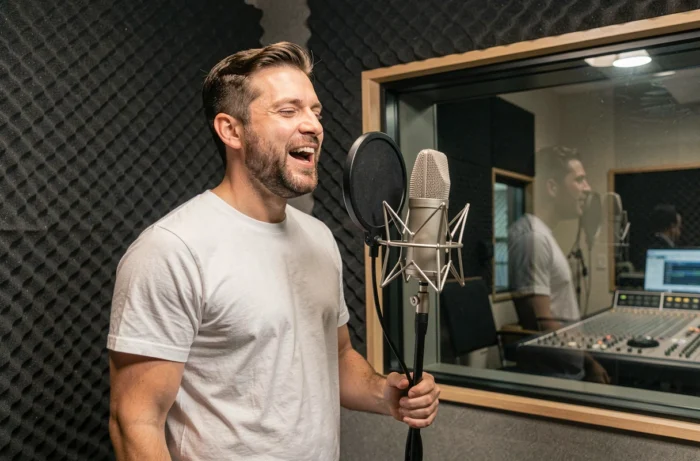
AI Song Generator: From Text to Finished Piece, Step by Step
Most AI music creation platforms follow a similar flow, but results vary greatly depending on how you write your instructions.
Writing an Effective Vocal Prompt
The prompt is the textual description you send to the generator. You specify the musical genre (pop, R&B, folk), the desired tempo, the mood (melancholic, energetic), and the type of voice (soft female, deep male). The more specific the prompt, the closer the result is to what you imagine.
- Specify the vocal style in addition to the musical genre: “airy female voice, dream pop style, slow tempo” yields a more coherent result than “pop song”
- Indicate the structure of the piece when the tool allows it: verse, chorus, bridge, outro. Without this indication, the AI often produces a uniform block
- Separate the lyrics from the descriptive prompt: some tools accept lyrics in a dedicated field and style description in another, which avoids confusion
Adjusting the Voice After Generation
The first result is rarely the right one. You can restart the generation with variations of the prompt or modify the vocal parameters if the platform allows. Testing three to five variations of the same piece before choosing is a common practice that significantly improves the final quality.
Some tools offer the option to upload a recording of your own voice to create a personalized vocal model. The AI then corrects pitch and rhythm while retaining the original timbre. Feedback on this point varies: quality heavily depends on the source recording and ambient noise.
Audio Quality and Post-Production: Don’t Skip This Step
An AI-generated piece rarely comes out ready for publication. The raw audio file often presents artifacts, mechanical vocal transitions, or an unbalanced mix between voice and instrumental.
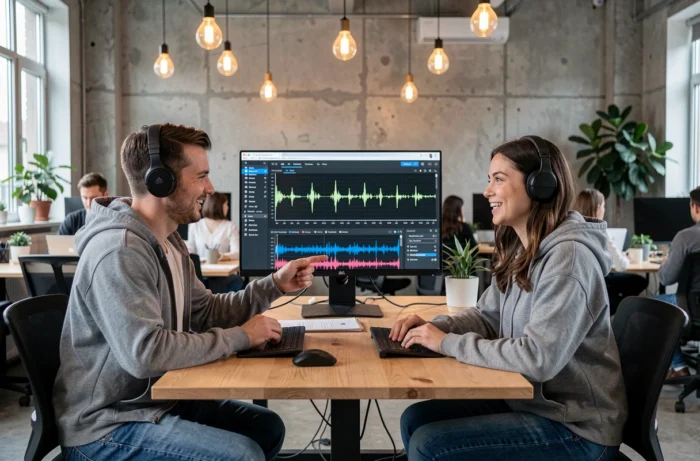
Running the file through post-production software (Audacity, GarageBand, or a more comprehensive DAW) allows for correcting the most visible flaws. You can adjust the relative volume of the voice, apply a slight reverb to soften transitions, and cut out unwanted silences at the beginning or end of the track.
For vocal quality specifically, you need to check two things:
- Sibilance and plosive consonants: the AI tends to accentuate them, a software de-esser fixes the problem in a few clicks
- The consistency of vibrato: on long notes, some generators produce an irregular vibrato that sounds artificial. Slightly shortening these notes or applying subtle pitch correction fixes the effect
- The export format: prefer WAV or FLAC over compressed MP3, especially if you plan to distribute on streaming platforms that re-encode the file
Lyrics and Music Creation: Writing for an AI Voice
Writing lyrics intended to be sung by an AI requires some adjustments compared to classical writing. Short phrases with open syllables work better than long lines loaded with consonants. The AI struggles with complex word sequences, and the result sounds choppy when syllables pile up.
It’s also beneficial to think about the melody at the same time as the text. If the generator allows specifying a key or melodic contour, adapting the dominant vowels of the lyrics to the chosen range produces a more natural result. Open vowels (a, o) work better on high notes, while closed vowels (i, u) suit lower passages.
One last concrete point: repetitive choruses with simple words yield better results than dense narrative lyrics. The AI excels in pop or electro structures where repetition is part of the style. In spoken word or technical rap, the result remains below what a human performer produces.
AI music creation is progressing rapidly, but the best use remains where we retain control over writing, artistic direction, and post-production. The tool generates, we shape it.